


What equipment do I need for a phone medium reading?
For a phone medium reading, you generally need a telephone with a reliable connection and enough battery for the session. A quiet, private space is useful, while headphones and a notebook or digital note-taking device are optional for clearer listening and recording key points.
A phone medium reading does not require specialist spiritual equipment. The medium provides the spiritual practice and interpretation; the client’s role is mainly to use a suitable calling device and any accessories that make listening and speaking comfortable.
There is usually no need to provide tarot cards, crystals, candles, photographs or other spiritual tools. Those items may form part of a practitioner’s own approach, but they are not equipment that a client must supply for a mediumship reading conducted by phone. A camera is not required either, because the session is based on spoken communication rather than visual contact.
Consider the following practical additions if they suit your circumstances:
- Accessibility equipment: A hearing-aid-compatible handset, an assistive listening device or a voice-amplification accessory may help if you have difficulty hearing ordinary calls.
- A suitable microphone: If you use an external handset or a hands-free accessory, choose one that transmits your voice clearly. Test it beforehand so that speech is not muffled, distorted or interrupted by accidental touches.
- Call controls: Familiarise yourself with mute, volume and call-waiting controls before the reading. This prevents you from having to search for settings during the conversation.
- A glasses case or small tray: If you wear glasses or use hearing equipment, keeping these items together can make the setup easier to manage and reduce distractions.
Equipment should support communication rather than add complexity. A hands-free arrangement can be useful for someone who needs to move slightly or cannot comfortably hold a handset, but it may allow surrounding sounds to reach the call. An accessory that sits close to the mouth can also create rubbing or breathing noise. For this reason, test any additional microphone, earpiece or speaker before the session.
If the call is made through a device that also receives alerts, disable unnecessary notifications and automatic audio interruptions. Other incoming calls, message tones and voice-assistant prompts can break concentration and make parts of the conversation difficult to follow. Avoid routing the call through a shared smart speaker or another device that could replay private audio to people nearby.
The best setup is therefore the simplest one that gives you clear two-way speech and appropriate control over the call. Specialist spiritual tools are not part of the essential client equipment, while accessibility accessories and tested audio controls can be added when they improve the listening experience.
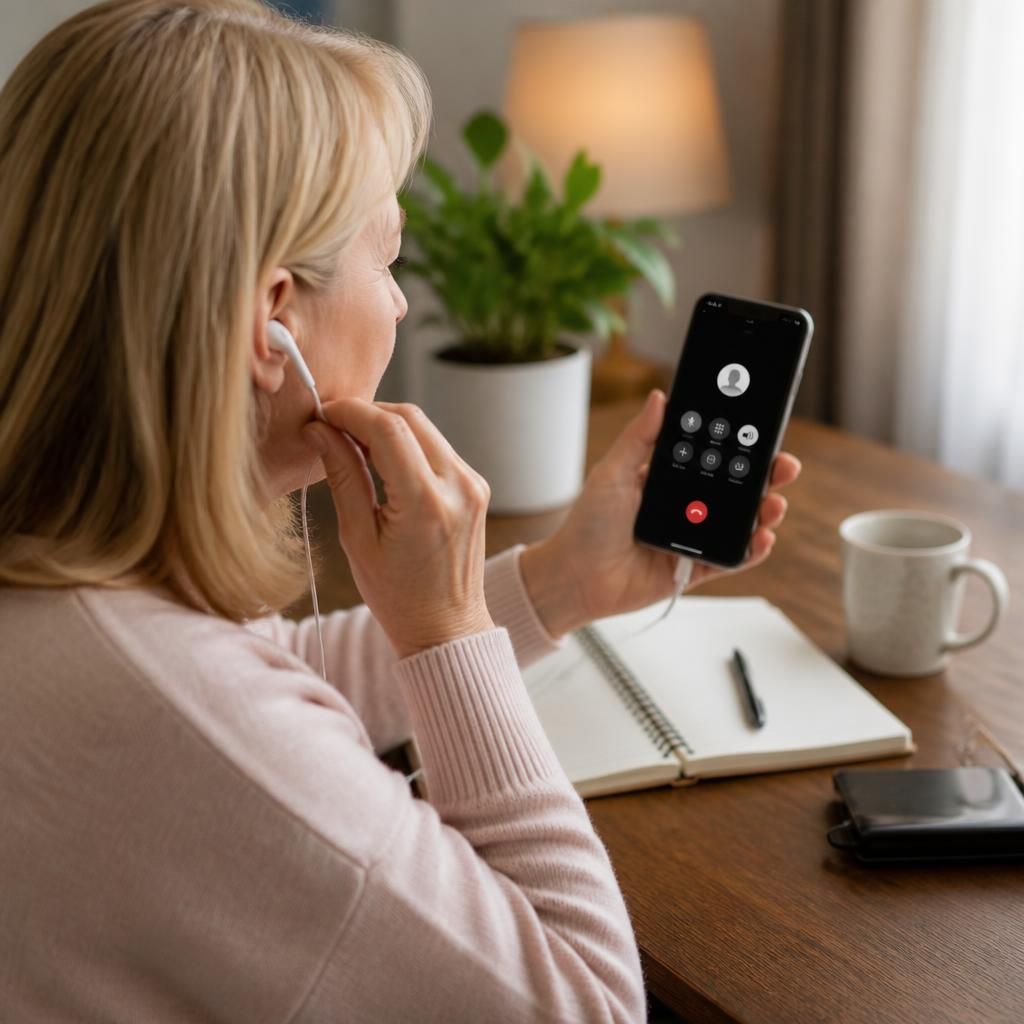
If the reading is conducted through a calling app rather than a conventional mobile or landline connection, check the device’s microphone permissions before the session. The app must be allowed to access the microphone, and its audio output should be directed to the intended handset, earpiece or speaker. A short test call can confirm that the app is using the correct input and output devices.
Keep the device’s operating system and calling app updated where possible, but avoid making major changes immediately before the reading. If the app requires a separate login or verification step, complete it in advance so the equipment setup does not become part of the session itself.